- Interacting with HDFS using HBase and Python was very powerful but it was also very engaging as we havd to do a lot of things in Python to access data.
- HBase and Pig make the same job restricted to very few lines.
- Lets try HBase and Pig in Action:
- Here is the code snippet ( link – https://s3.amazonaws.com/testbucket786786/hbase.pig )
- #first load the data file using LOAD command with pipe delimeter
usersData = LOAD ‘/user/maria_dev/ml-100k/u.user’
USING PigStorage(‘|’)
AS (userID:int, age:int, gender:chararray, occupation:chararray, zip:int);#now STORE this usersData into Hbase with the below column family
STORE usersData INTO ‘hbase://usersData’
USING org.apache.pig.backend.hadoop.hbase.HBaseStorage (
‘userInfo:age,userInfo:gender,userInfo:occupation,userInfo:zip’); - How simple and easy is it using PIG now – only 2 commands first LOAD and then STORE.
- Steps to execute:
- Login to hbase shell first – hbase shell
- List to check if the table already exists – list
- Create a table ‘usersdata’ with a column family ‘userInfo’ – create ‘usersData’, ‘userInfo’)
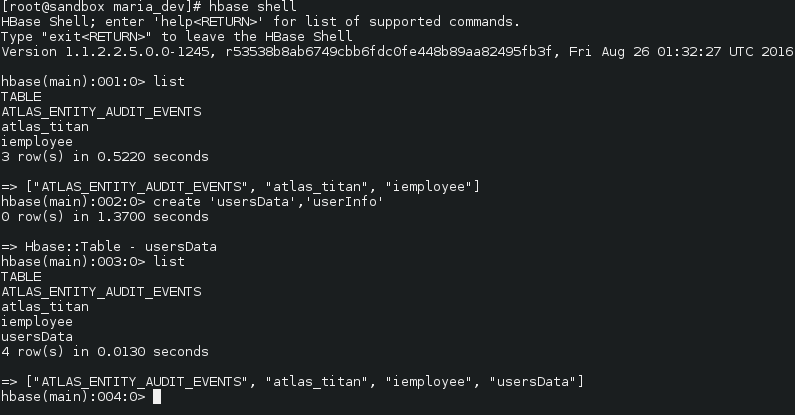
- exit out of the shell – quit
- Now from the maria_dev local sandbox folder ( in super user mode) run the pig file – pig hbase.pig
-
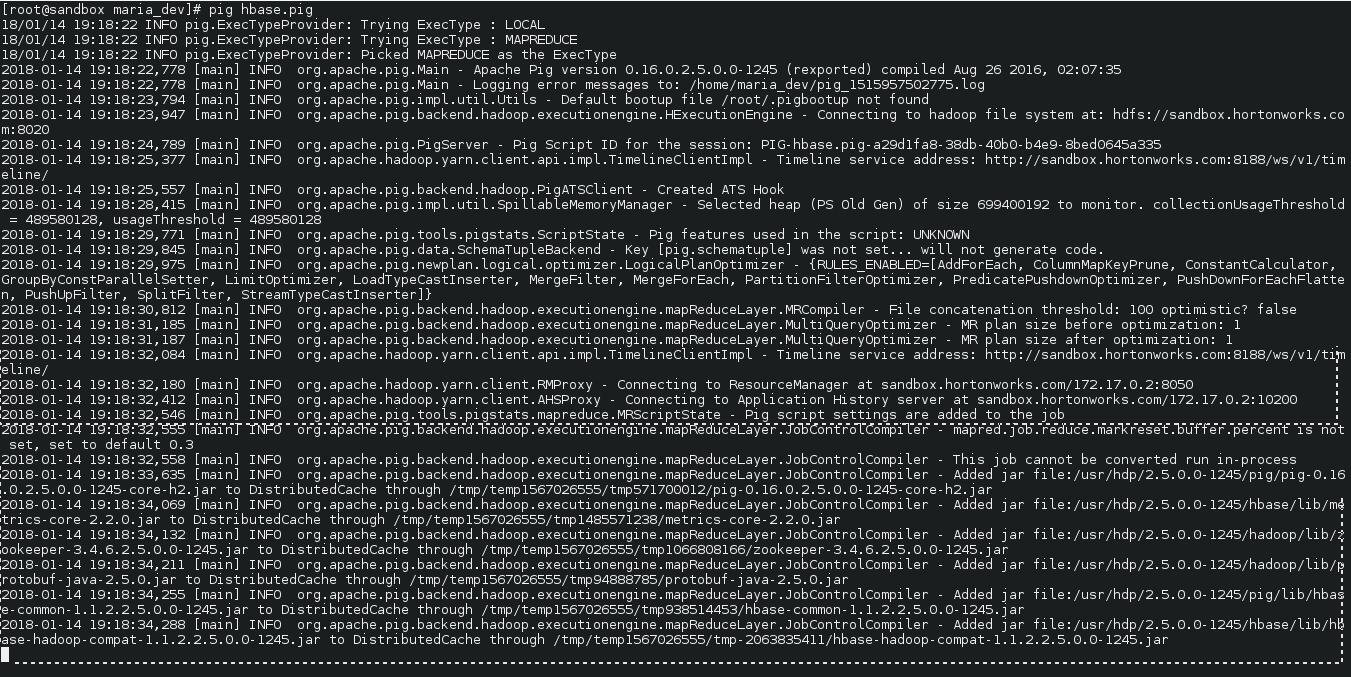
pig hbase.pig executed - Now lets verify if tables properly added or not and the added data if any
- To see if table exists – list
- To see the data in the table – scan ‘usersData’
-
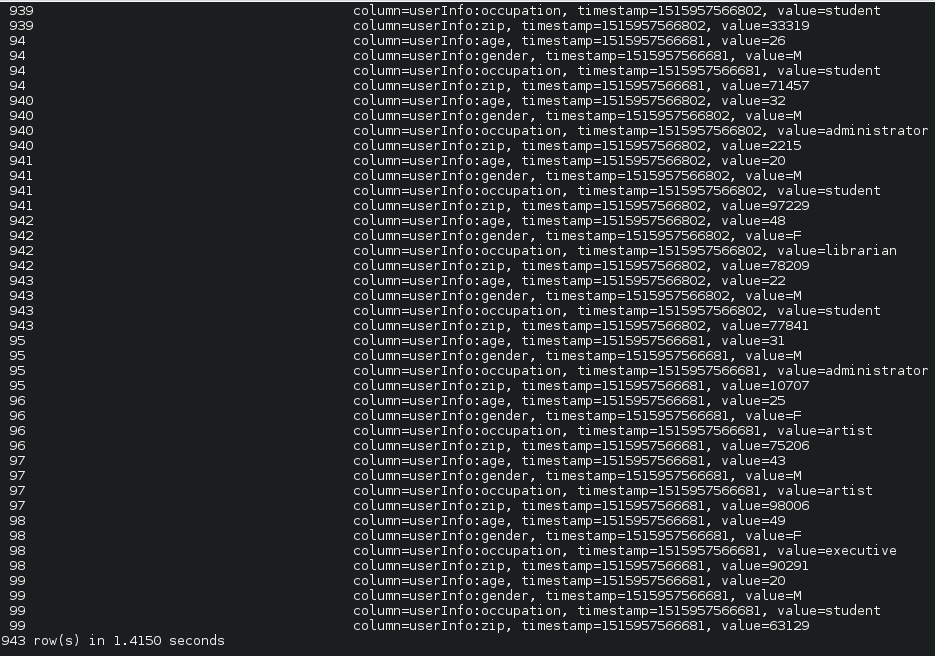
Yay!!! we upload data in HBase using Pig. E.g. see for userId 99 for column family userInfo, we have 4 rows of data with timestamp so that we can manage versions too and age, genfer, occupation and zip columns reside in the column family. - Disable and drop a table – disable ‘usersData’ and drop ‘usersData’
How to Interact with HDFS Using HBase and Pig
