
- First of all launch and EC2 Linux Instance from a public subnet and connect to the server using Putty or Mobaxterm – (For details on how to launch and connect a public instance read this – https://mohdnaeem.wordpress.com/2017/11/13/how-to-build-an-amazon-vpc-with-public-and-private-subnets-from-scratch/ )
- Once connected to the server run the following commands:
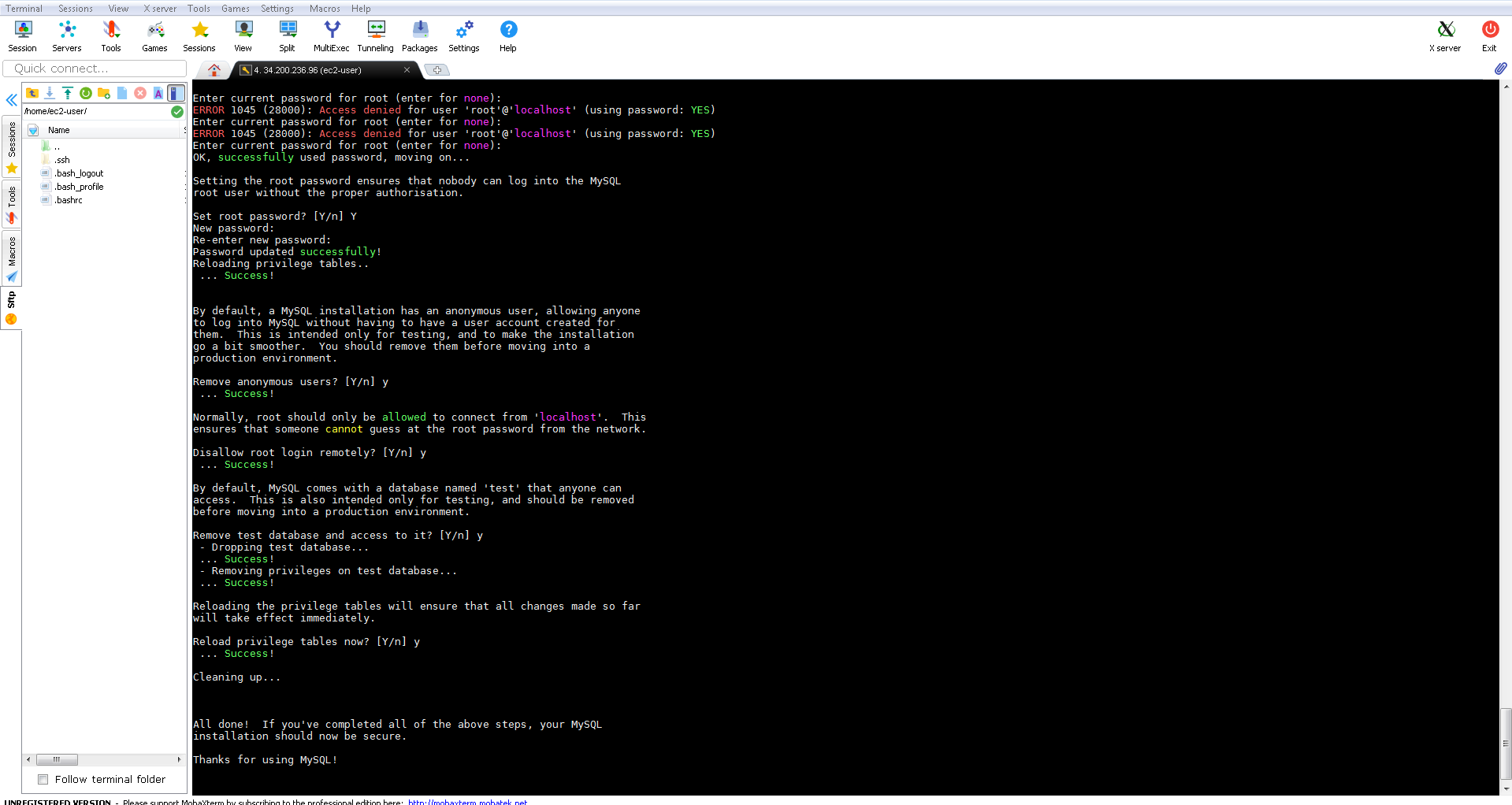
- To Install Apache, start and configure it use the following commands:
echo “Installing Apache…”
yum -y update
yum -y install httpd
service httpd start
chkconfig httpd on
echo “Installed Apache…”
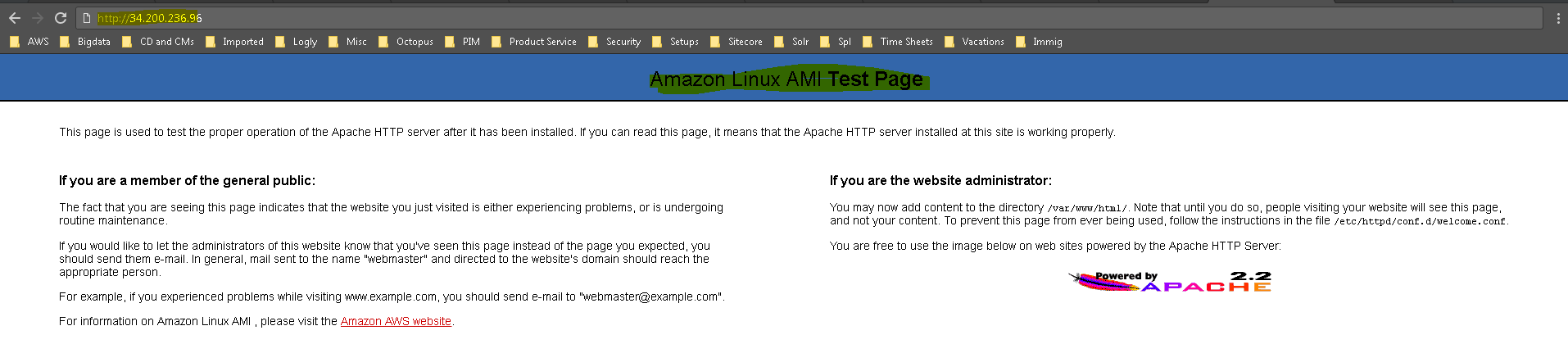
- To Test Apache, Execute http://publicIPofServer/, you will see default Apache Page
- To Install MariaDB, start and configure it use the following commands:
echo “Installing MariaDB…”
yum -y install mysql-server mysqldb
service mysqld start
chkconfig mysqld on
mysql_secure_installation
echo “Installed MariaDB…”
echo “Logging to MariaDB…”
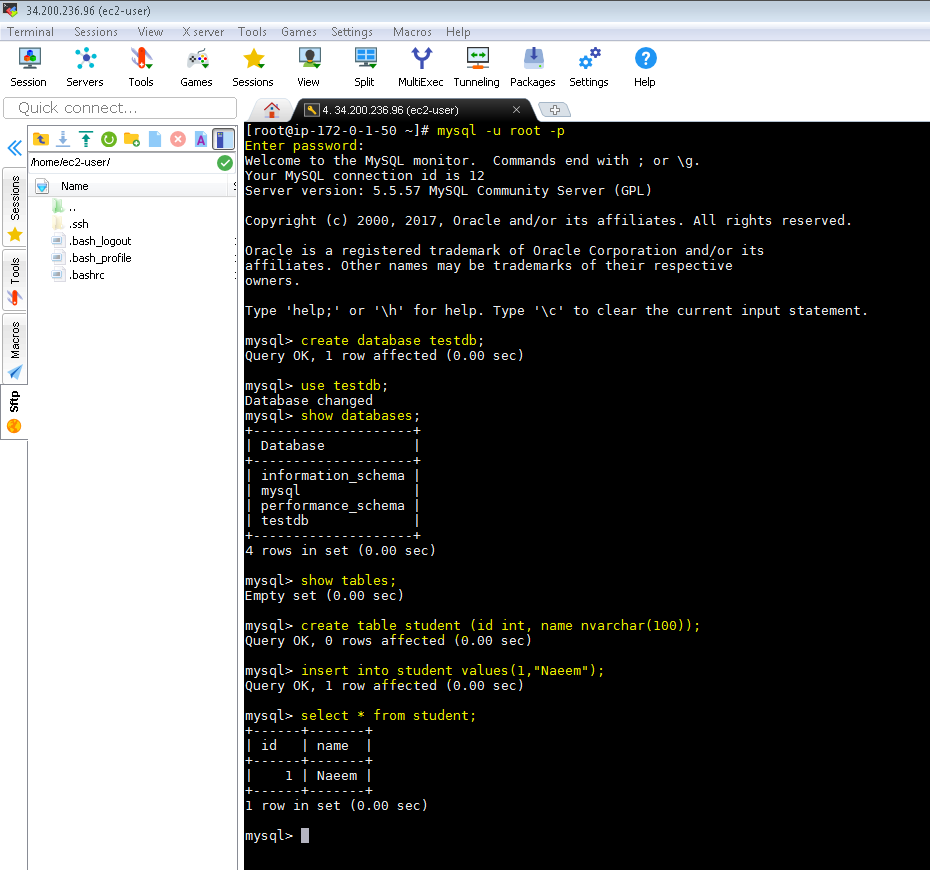
mysql -u root -p
- To Test MariaDB, Login to MariaDB using following commands:
- To Install PHP, start and configure it use the following commands:
echo “Installing PHP…”
yum -y install php php-mysql
service httpd restart
echo “Installed PHP…”
echo “<?php phpinfo(); ?>” > /var/www/html/info.php
echo “<html><body><h1>Server ready</h1></body></html>” > /var/www/html/info.html
echo “PHP Installation complete”
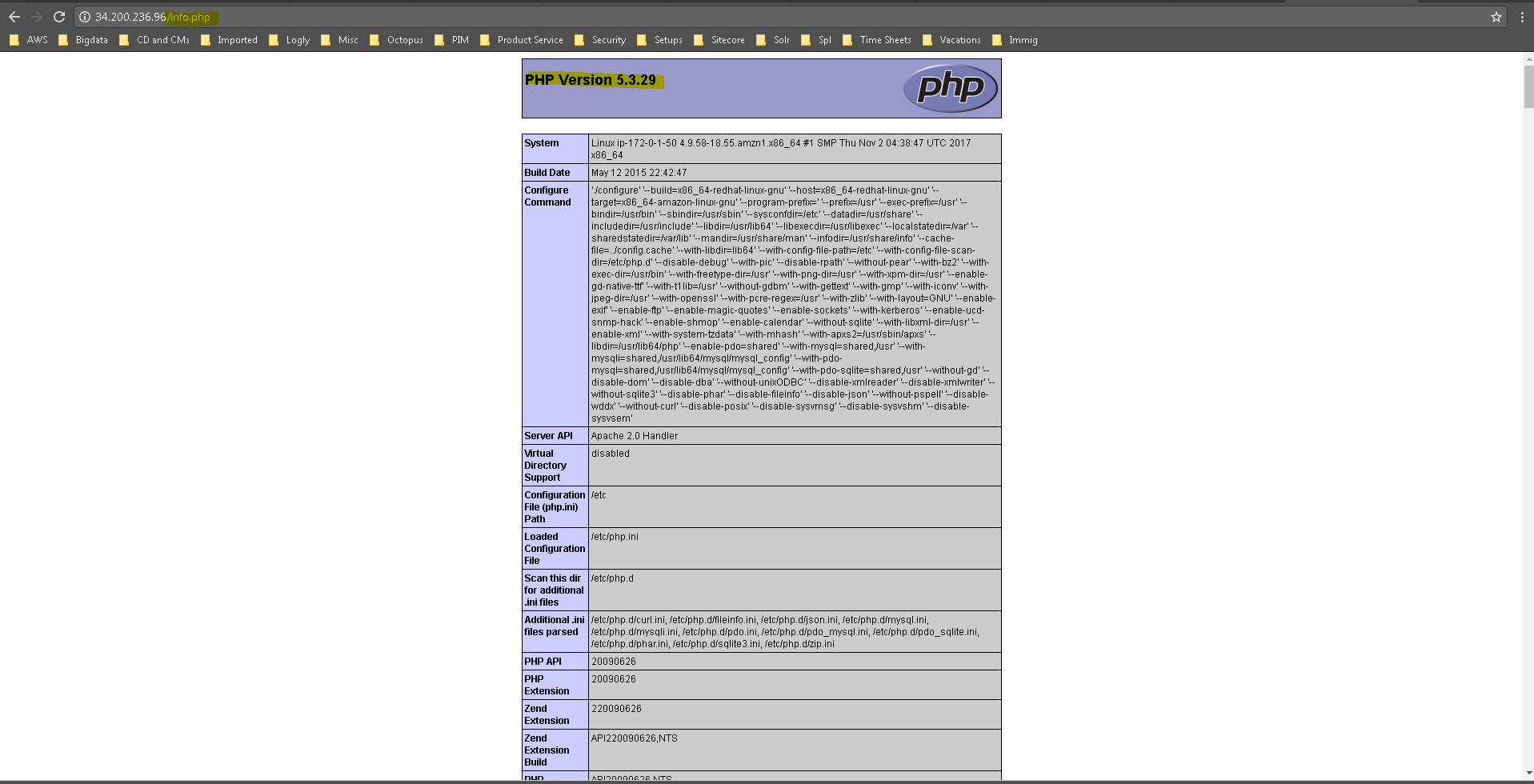
- To Test PHP, Execute http://publicIPofServer/info.php, you will see default PHP Page
- To Install Python, start and configure it use the following commands:
echo “Installing Python…”
yum -y install python python-pip
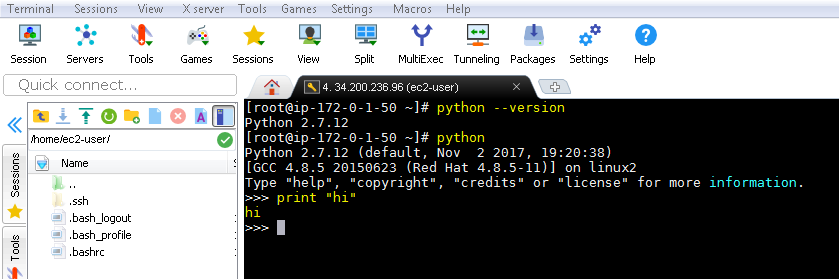
python –version
python
print “Installed Python…”
- To Test Python, Execute “python –version” from command line, you will see default Python version
Hope this helps…