Why Vagrant?
- Vagrant is used to:
- create, suspend, halt, resume, restart, destroy Virtual machines(VMs)
- SSH into the VMs
- package and distribute the entire state of a VM to another machine or environment.
- Vagrant user a vagrantFile which holds the configuration settings of all the instructions for Vagrant to what to provision.
- vagrantFile is basically environment as code and what ever is provisioned or setup are all driven by the configuration in the vagrantFile
- Very strong tool for development where automation of an environment is driven by vagrantFile.
What is Virtualization?
- Virtualization is a technology for carving out virtual machines from large physical machine in which it uses its own predefined shared or dedicated memory, storage or I/O(persistence) , CPU(processing), network resources.
- It uses a software abstraction layer called as “hypervisor” for emulating and consuming the underlying hardware.
-
Types of virtualization
1. Storage & Network virtualization : virtualization by sharing available storage and network , assigned to a particular server or devices on the go. E.g. Hadoop Cluster virualizes 100s of utility servers to work in parallel to process Big analytics data. The storage and processing is shared between the cluster nodes to behave them a collective unit. 2. Server virtualization: virtualization by sharing available resources of the guest OS using the hyper-visor. E.g server VMs for CentoOS, Ubuntu, Windows etc 3. Desktop virtualization: virtualization of a server by allowing remote desktop access. E.g. Remmina in linux, RDC in Windows virtualize Desktop 4. Application virtualization: virtualization enabled for application to work in all environments like a windows application running in Linux and vice versa. E.g. wine in Linux virtualizes the environment to run .Net application 5. Data virtualization is abstracting the traditional technical details of data and data management, such as location, performance or format, in favor of broader access and more resiliency tied to business needs.
Install Vagrant
- Vagrant is basically a orchestration tool, means it use some virtualization provider to create VMs. It can use almost any virtualization tool but by default supports Virtual box
- We would install the following things to make Vagrant work in windows
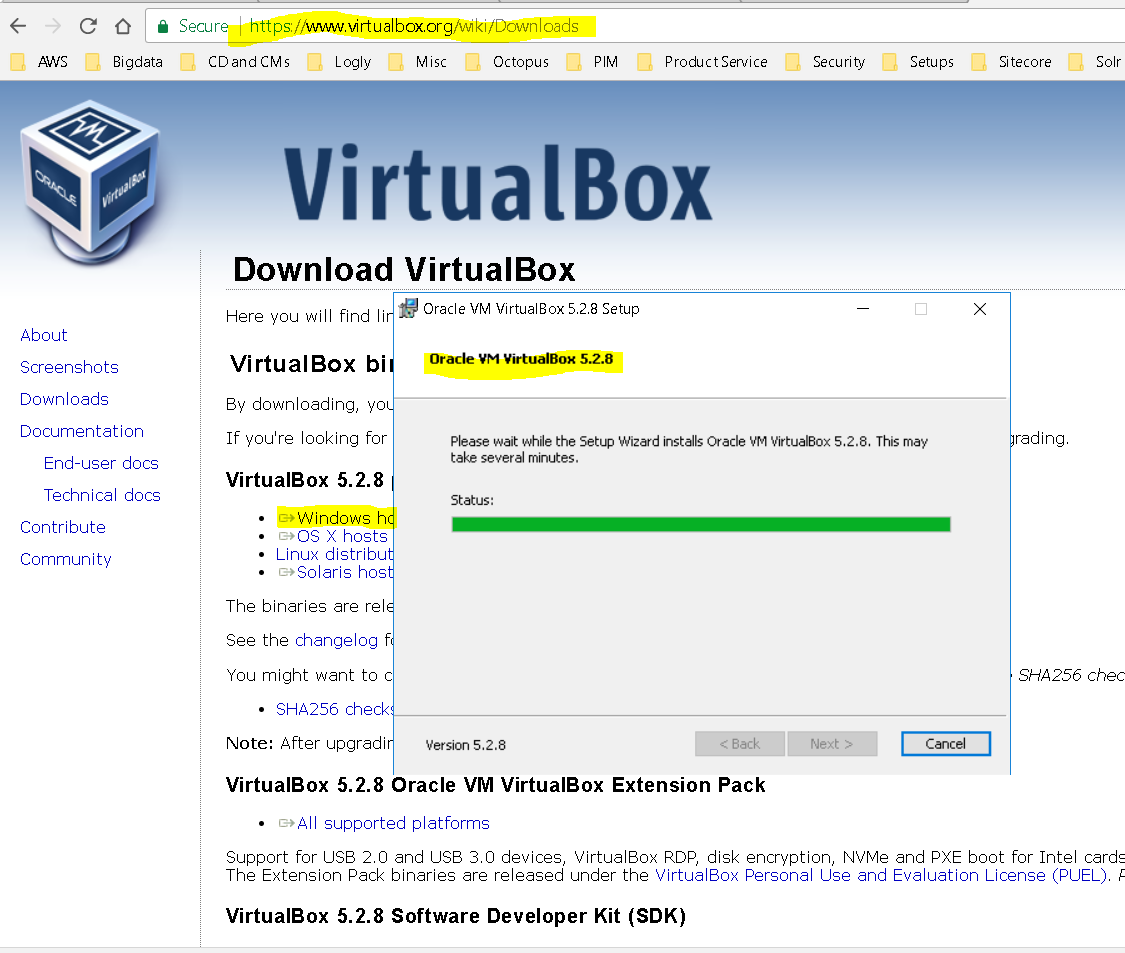
- VirtualBox – the virtualization tool
- Download the latest from the VirtualBox website – https://download.virtualbox.org/virtualbox/5.2.8/VirtualBox-5.2.8-121009-Win.exe
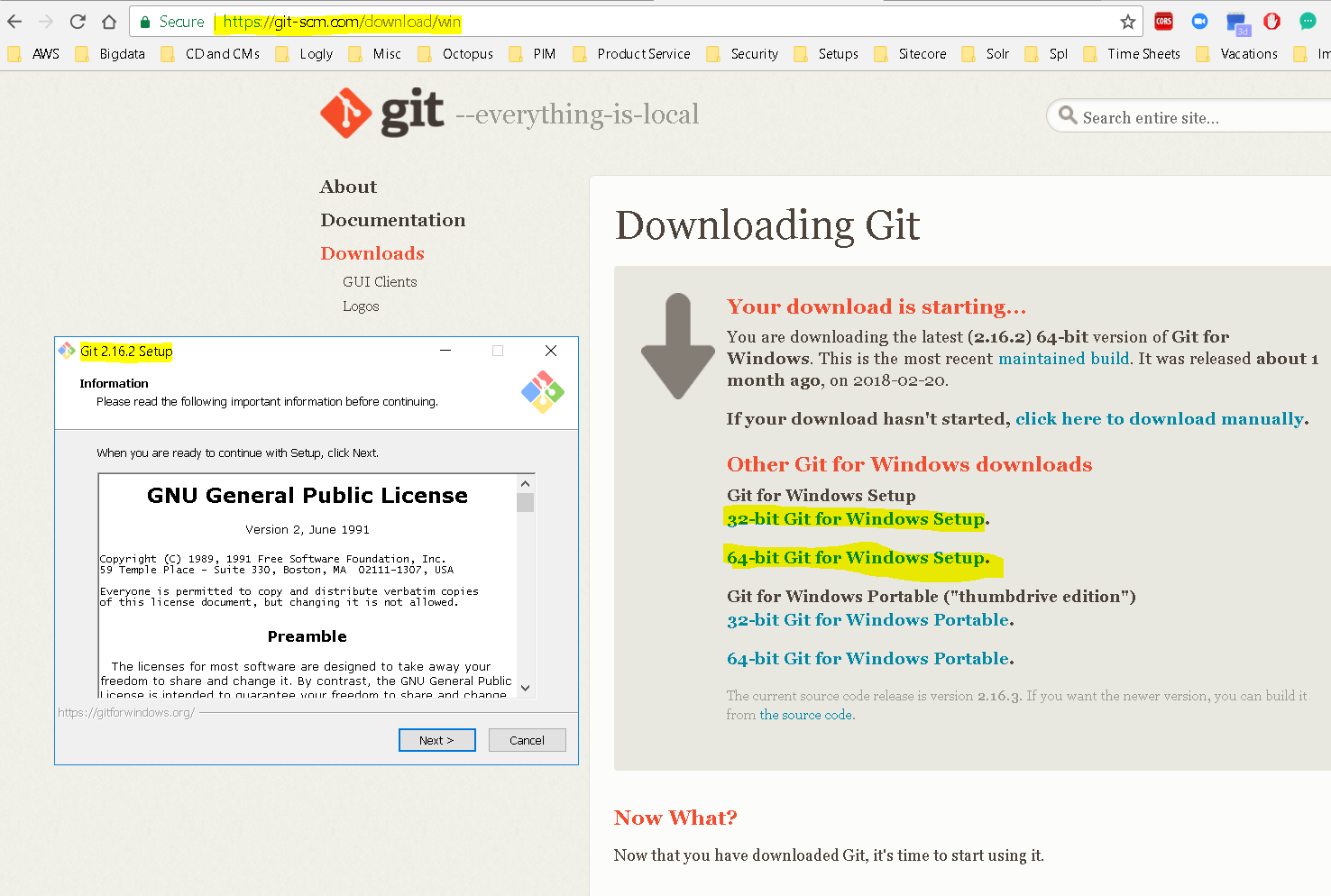
- Git – the version control tool
- Download the latest from the Git website – https://github.com/git-for-windows/git/releases/download/v2.16.2.windows.1/Git-2.16.2-64-bit.exe
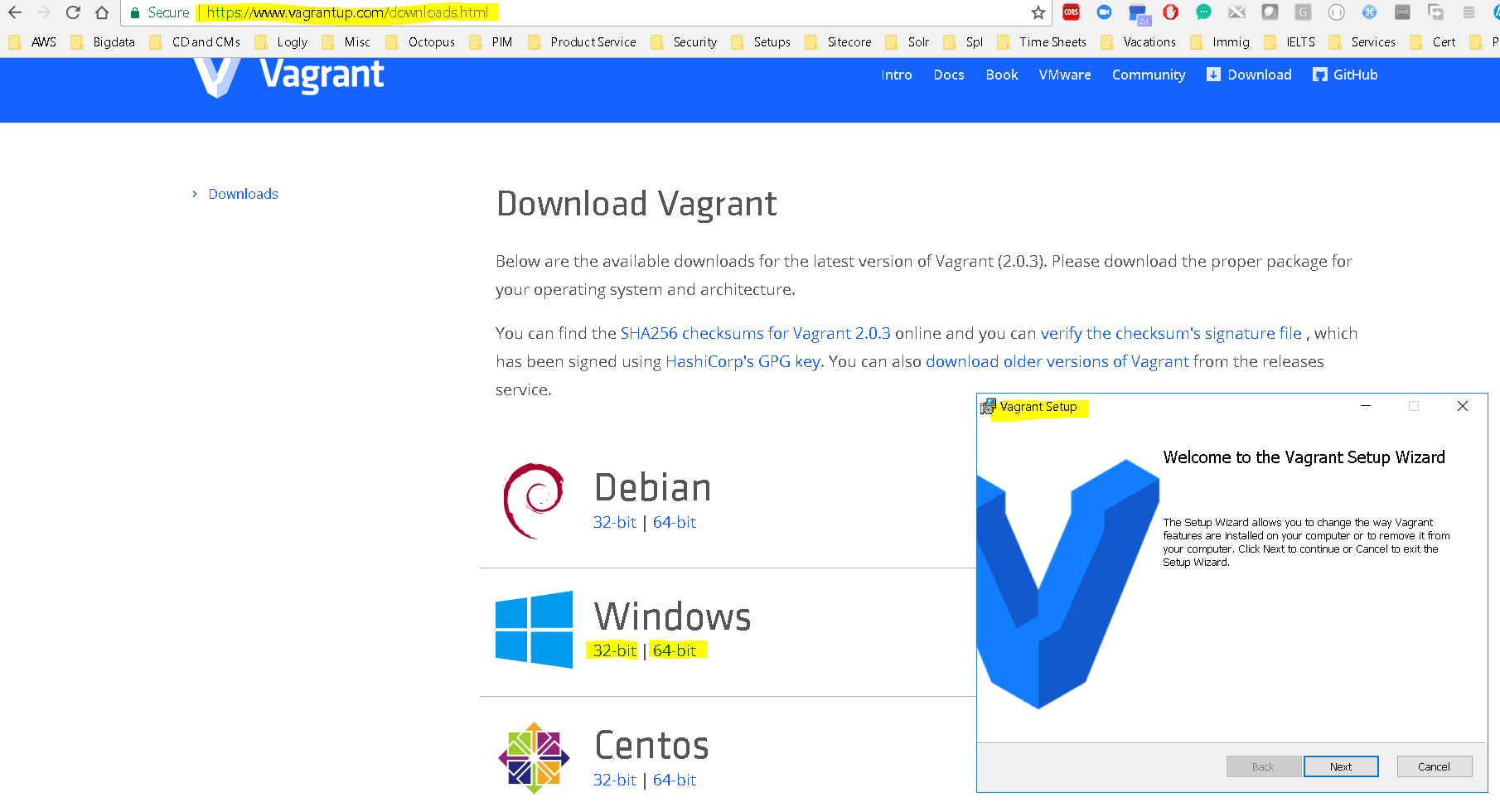
- Vagrant – the orchestration tool –
- Verify all 3 are installed properly
- VirtualBox – the virtualization tool
- We would install the following things to make Vagrant work in windows
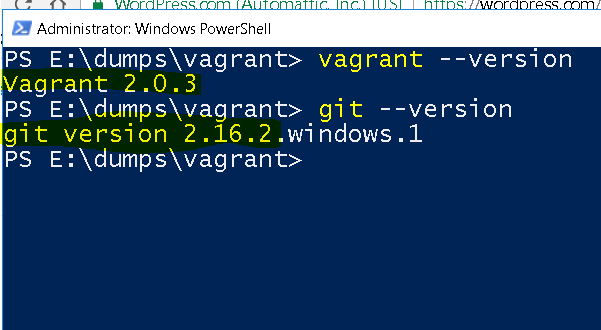
How to work with Vagrant?
- vagrant init:
- to initialize Vagrant you can use the following commands
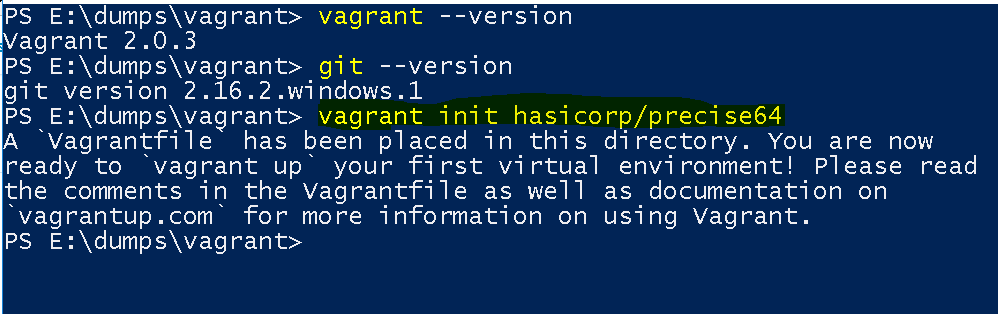
- base initialization – vagrant init hasicorp/precise64
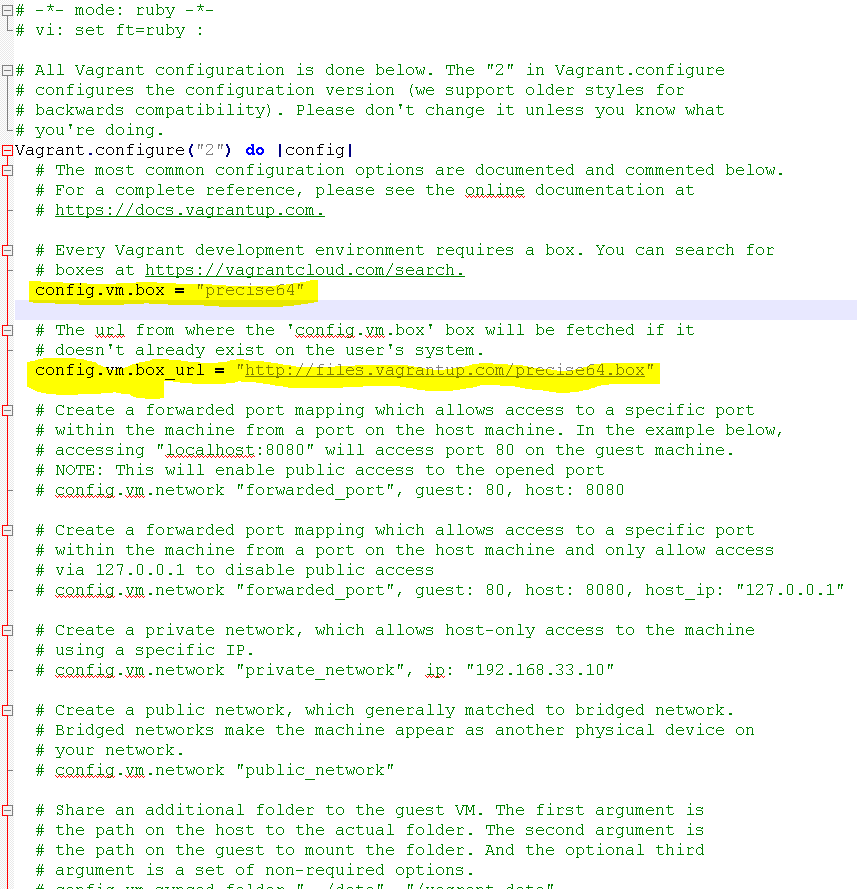
- this create a base or minimum vagrant file
- structure of the base vagrant file
- Ubuntu initialization – vagrant init ubuntu
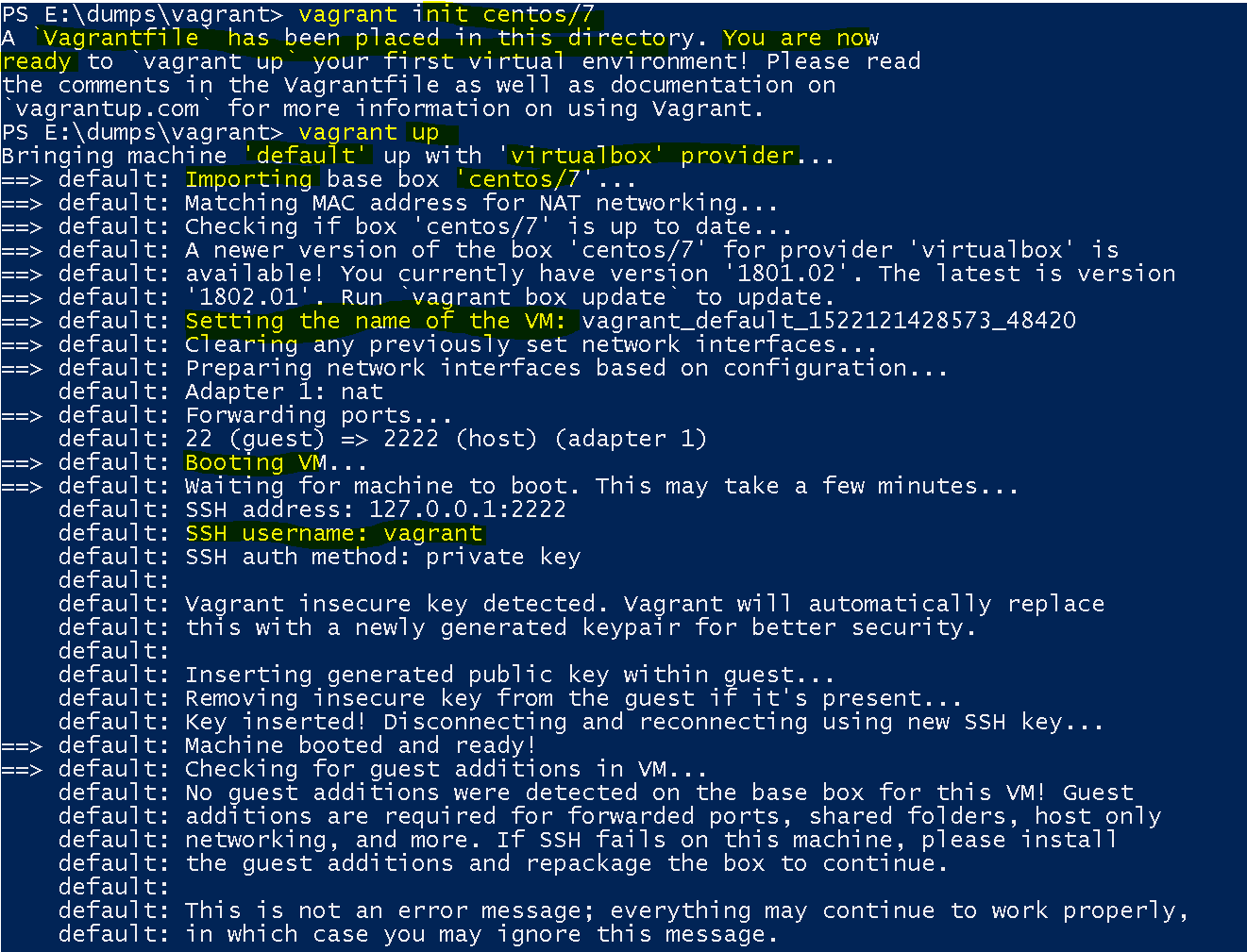
- CentOS initialization – vagrant init centos/7
- base initialization – vagrant init hasicorp/precise64
- to initialize Vagrant you can use the following commands
- vagrant up:
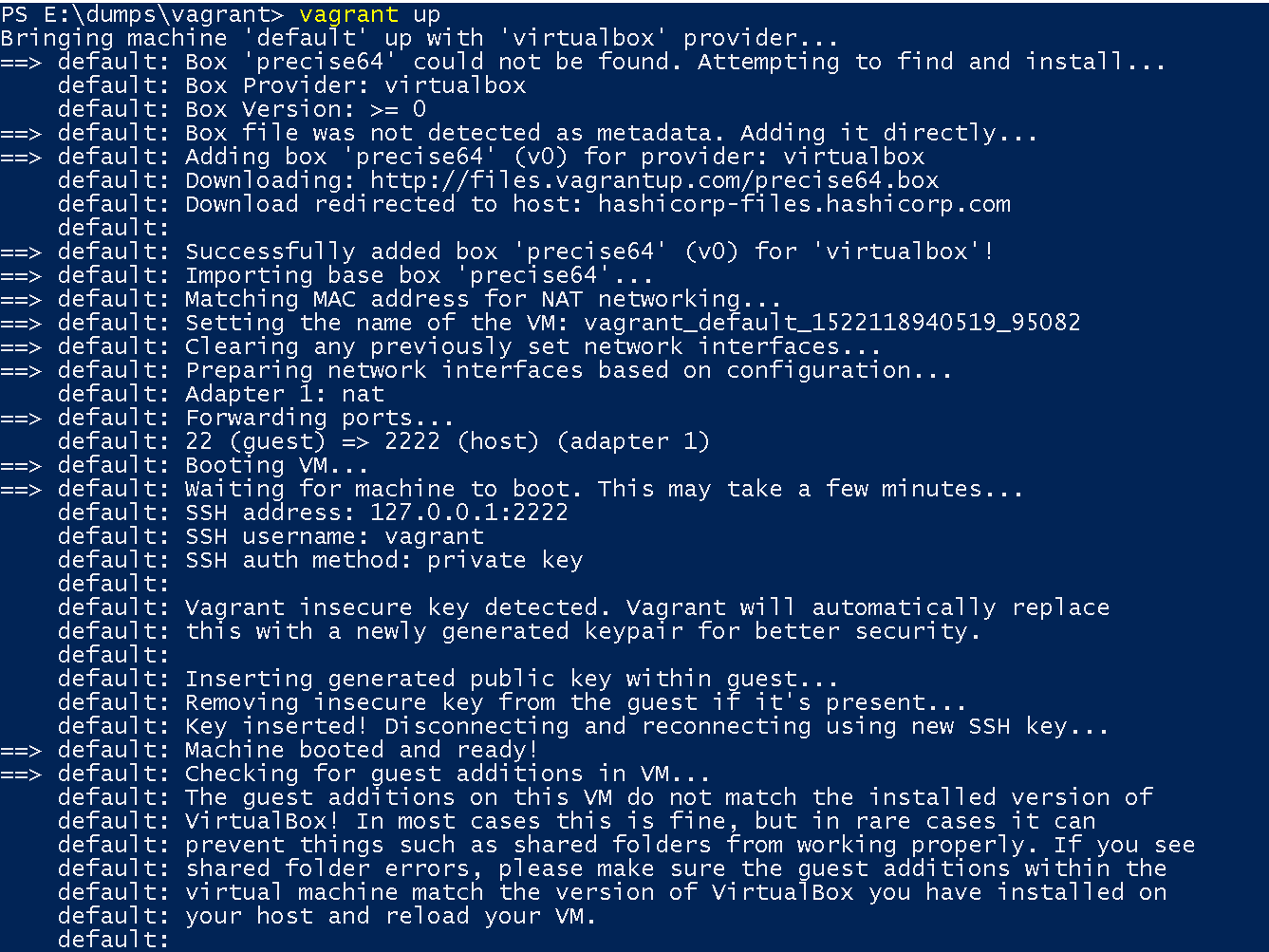
- to start the vagrant – vagrant up
- to start the vagrant – vagrant up
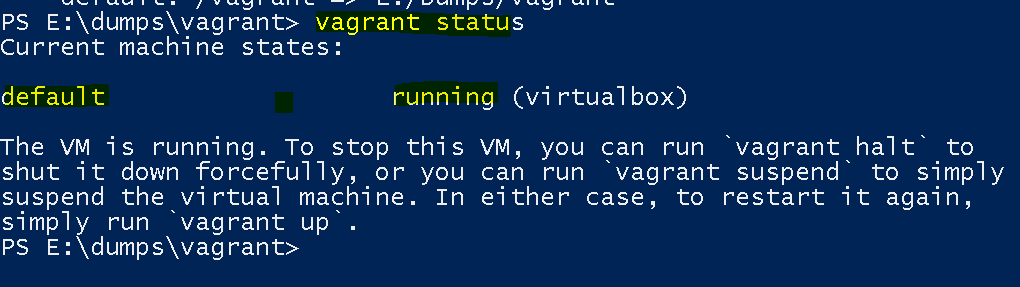
- vagrant status
- show the status of the vagrant and its boxes – vagrant status
- vagrant ssh:
- to login to the box : vagrant ssh or varrant ssh <boxname>
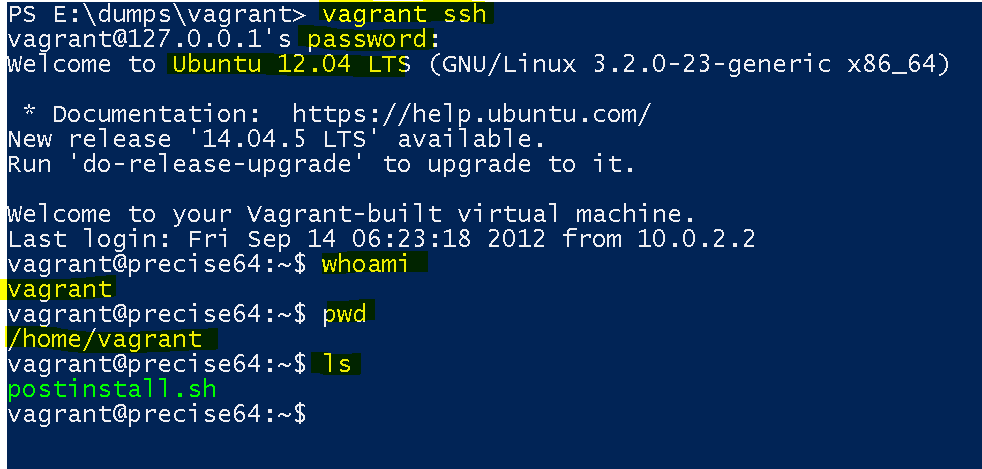
- Use logout or exit to exit
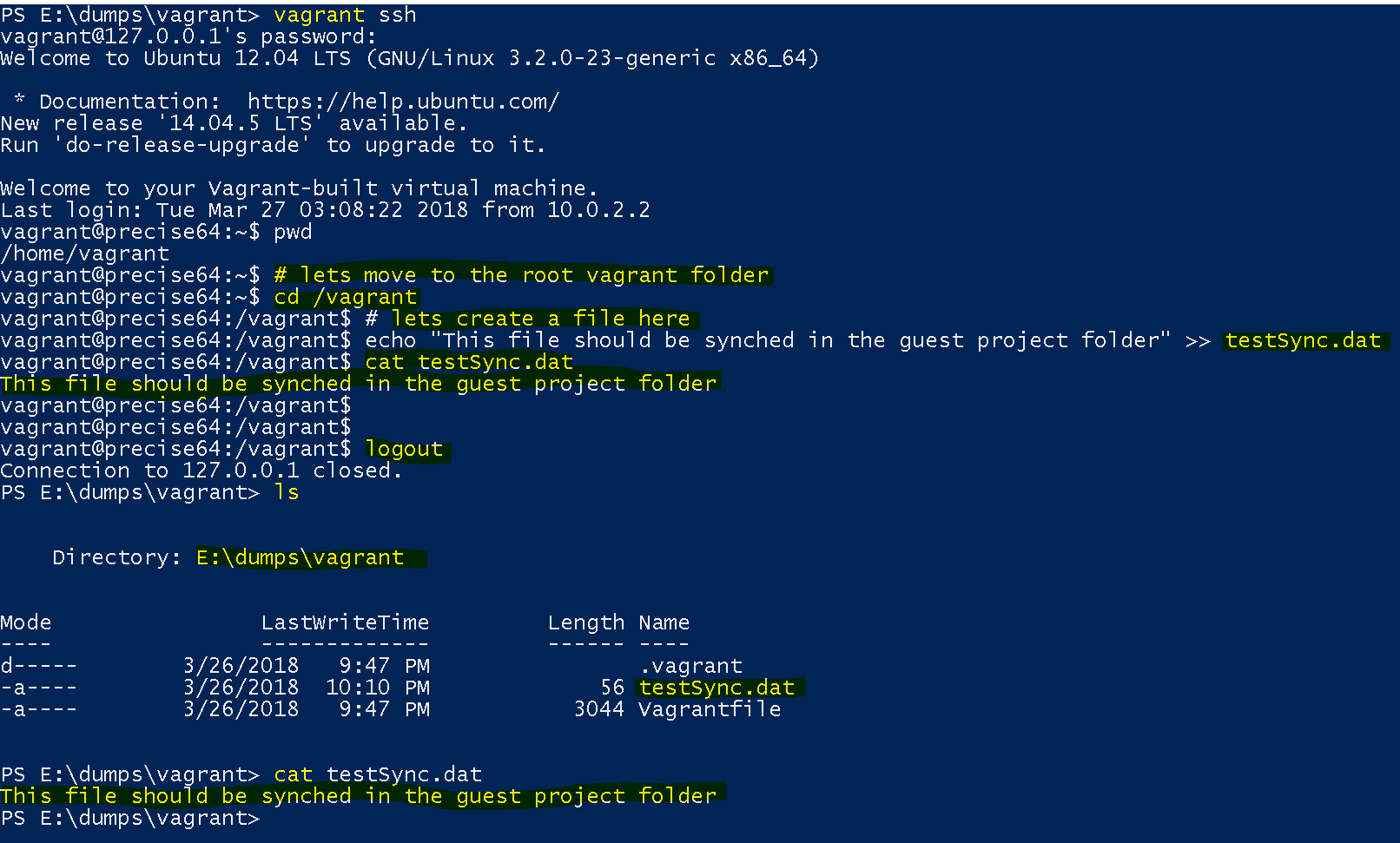
- Synced folders –
- vagrant by default supports syncing between the “the current project folder( in my case – E:\Dumps\vagrant)” and user’s vagrant folder
- Teardown Vagrant
- suspend – saves the state and stop – vagrant suspend
- halt – gracefully shuts down – vagrant halt
- destroy – destroys the box – vagrant destroy -f