


- Interacting with HDFS using HBase and Python was very powerful but it was also very engaging as we havd to do a lot of things in Python to access data.
- HBase and Pig make the same job restricted to very few lines.
- Lets try HBase and Pig in Action:
- Here is the code snippet ( link – https://s3.amazonaws.com/testbucket786786/hbase.pig )
- #first load the data file using LOAD command with pipe delimeter
usersData = LOAD ‘/user/maria_dev/ml-100k/u.user’
USING PigStorage(‘|’)
AS (userID:int, age:int, gender:chararray, occupation:chararray, zip:int);#now STORE this usersData into Hbase with the below column family
STORE usersData INTO ‘hbase://usersData’
USING org.apache.pig.backend.hadoop.hbase.HBaseStorage (
‘userInfo:age,userInfo:gender,userInfo:occupation,userInfo:zip’); - How simple and easy is it using PIG now – only 2 commands first LOAD and then STORE.
- Steps to execute:
- Login to hbase shell first – hbase shell
- List to check if the table already exists – list
- Create a table ‘usersdata’ with a column family ‘userInfo’ – create ‘usersData’, ‘userInfo’)
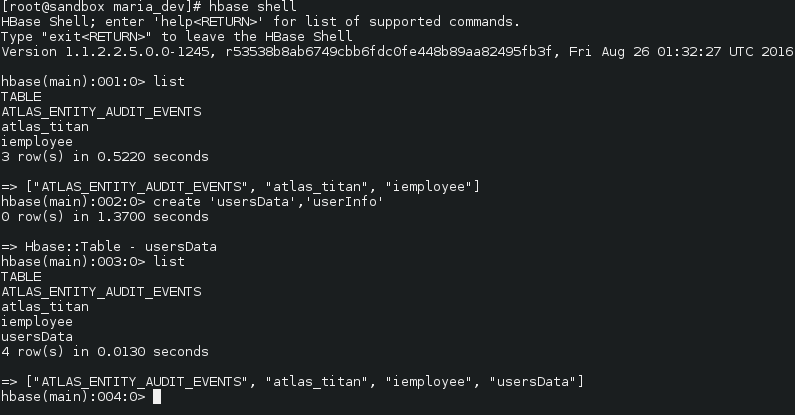
- exit out of the shell – quit
- Now from the maria_dev local sandbox folder ( in super user mode) run the pig file – pig hbase.pig
-
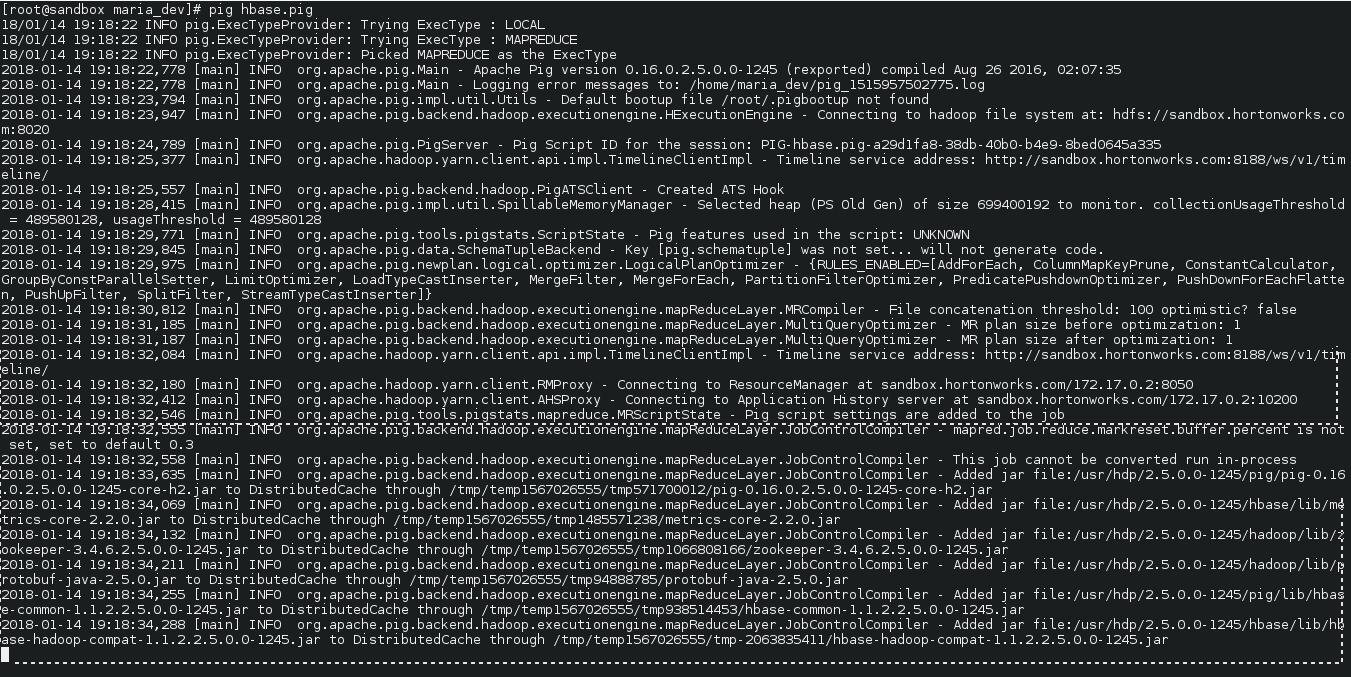
pig hbase.pig executed - Now lets verify if tables properly added or not and the added data if any
- To see if table exists – list
- To see the data in the table – scan ‘usersData’
-
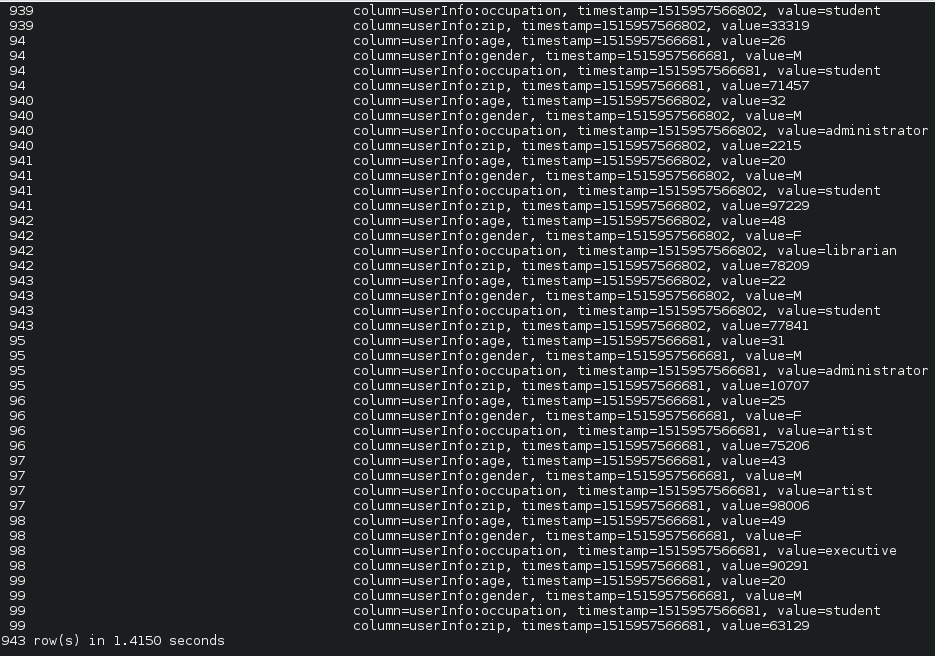
Yay!!! we upload data in HBase using Pig. E.g. see for userId 99 for column family userInfo, we have 4 rows of data with timestamp so that we can manage versions too and age, genfer, occupation and zip columns reside in the column family. - Disable and drop a table – disable ‘usersData’ and drop ‘usersData’

Big Data
How to Interact with HDFS Using HBase and Pig
Interacting with HDFS using HBase and Python was very powerful but it was also very engaging as we havd to do a lot of things in Python to […]