


How to fix the following rendering errors on saving an item
- “The item contains broken links in these fields: – _Renderings
- or “The item contains broken links in these fields: – _Final Renderings
Source of error:
- The error happens because in the presentation details of the item some control has an invalid data-source or has a missing place holder settings
- Especially if you are not watching the item in Raw Mode and still you see a Raw GUID for the data source or place holder then that is exactly the issue.
How to fix it:
- First of all open the item’s presentation details by clicking the “presentation” tab on the ribbon and then click on “Details” button to open the layout details.
- Click the shared/final layout as the case may be and then “edit” link to edit the layout.
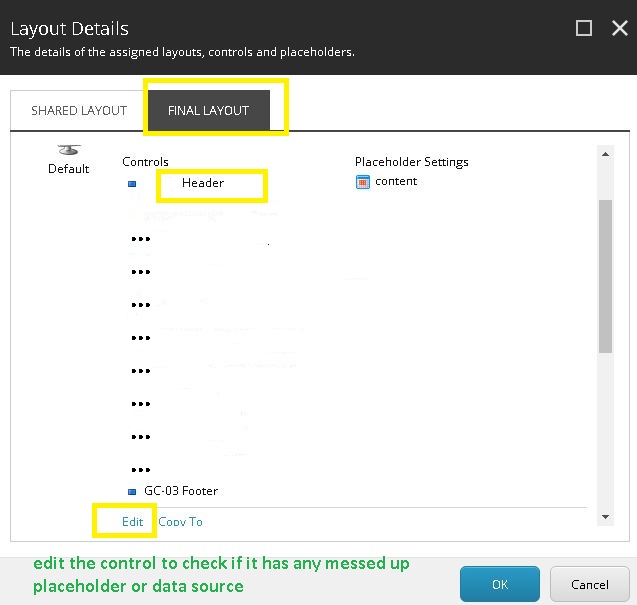
- Now select controls one by one and press “edit” to check if which control has a messed up data source or placeholder setting.
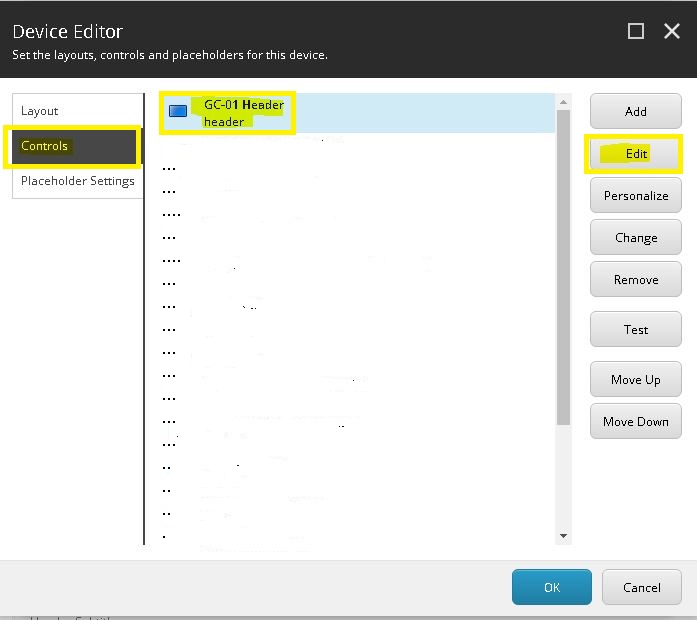
- See, that for the header control, the field Order Link is showing a GUID data source although we are not viewing it in raw mode. Simply press “Clear” and use “Insert Link” or other options there to update the link and save . You are good to go.
