
XM Cloud is a strong path for many Sitecore teams. It is not a free swap for every XP capability you still run in production.
Conference slides love a clean story: move to the cloud, ship faster, stop babysitting servers. Platform leads live in a messier story. Revenue journeys, on-prem integrations, and personalization rules that only XP owns today do not vanish because a roadmap says “XM Cloud.”
This Field Note is for architects and engineering managers who must choose a cut plan. It is not a license quote. It is not a sales pitch for either product. Sitecore names and capabilities change. Confirm current product docs and your contract before you commit.

What people usually mean by XM Cloud vs XP
In hallway talk, “XM Cloud” means Sitecore’s cloud-hosted XM experience with modern authoring and a composable delivery story. “XP” means the Experience Platform stack many enterprises still run, including xDB-era personalization and marketing automation patterns that grew up on-prem or in managed hosting.
Those labels are shorthand. Your exact SKUs, versions, and topology matter more than the nickname. Still, the decision pattern repeats: speed and managed ops on one side, deep XP behavior and sunk integration cost on the other.
If your team only needs content management, structured pages, and headless delivery, XM Cloud is often the cleaner long-term bet. If your revenue still depends on XP personalization graphs, custom xDB facets, or heavy on-prem connectors that nobody has rewritten, a forced “all cloud now” program becomes a rewrite program wearing a migration badge.
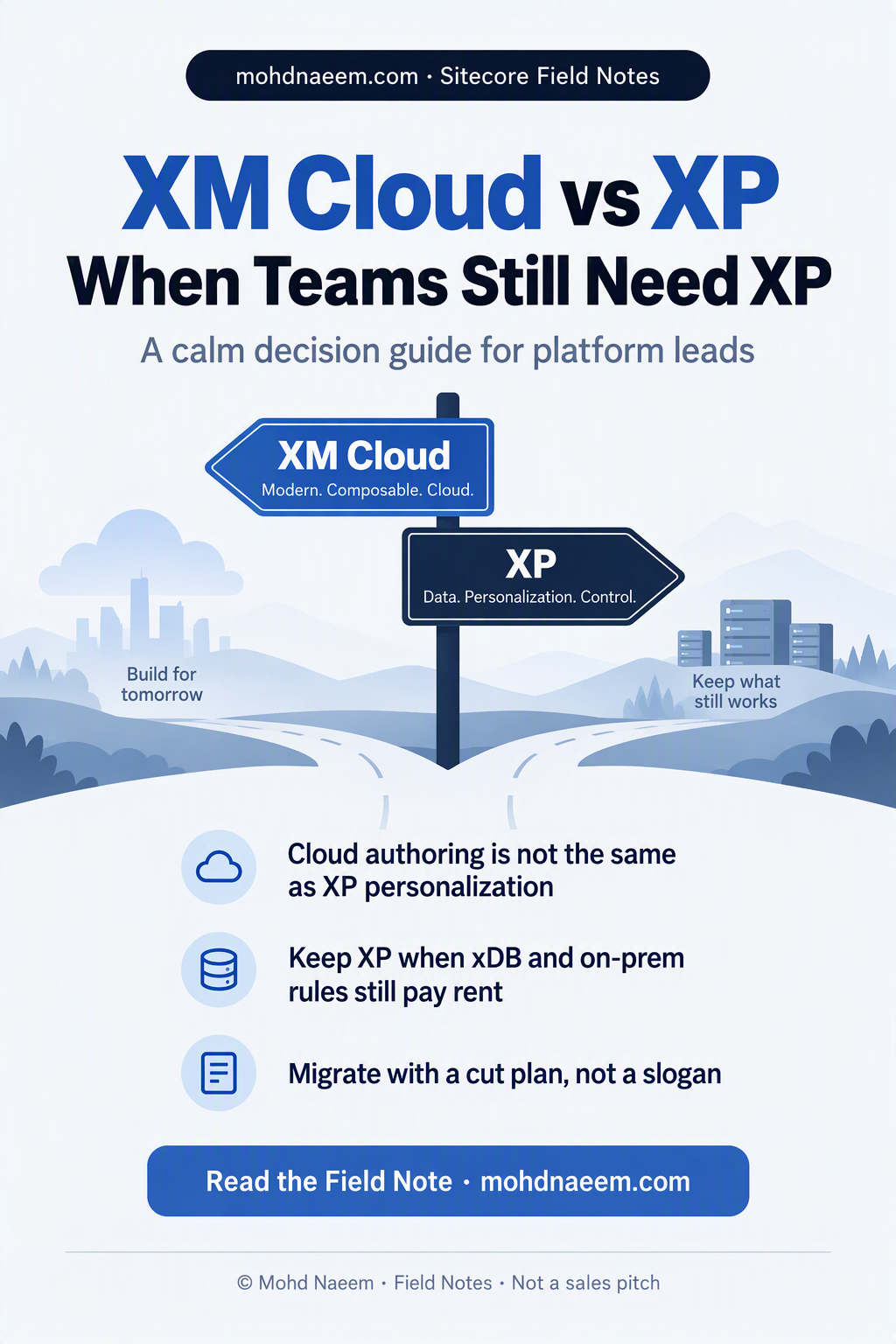
Three questions before you pick a slogan
- What must stay on for revenue this quarter? List the journeys, campaigns, and personalization rules that would cost real money if they went dark for two weeks.
- What can move in the first cut? Usually marketing sites, content authoring, and headless front ends that do not need XP depth on day one.
- What waits for a second wave? Custom xDB logic, fragile ETLs, and vendor packages that only exist as XP plugins today.
Write the answers in a shared doc with owners and dates. If you cannot name owners, you do not have a migration. You have a wish.
When XM Cloud is the right next step
Choose XM Cloud as the primary path when most of these are true:
- Authors need faster environments and less server babysitting.
- Your front end is already headless or you are ready to treat layout service and APIs as the contract.
- Personalization needs are modest, or you can rebuild them with a clear product plan instead of porting every XP rule blindly.
- Security and ops leadership want a managed cloud boundary more than they want to keep aging VMs alive.
Teams that win here treat XM Cloud as a product cut, not a lift-and-shift. They rebuild information architecture. They kill unused templates. They stop dragging every legacy rendering “just in case.”
I have watched programs succeed when they shipped a public site wave first, proved authoring speed, then scheduled personalization as a second program with its own budget. I have watched programs stall when they promised “same day one” XP parity in the cloud with half the staff.
When teams still need XP (for now)
Keep XP in the critical path when most of these are true:
- xDB / XP personalization still drives measurable revenue or regulated journeys you cannot pause.
- On-prem or private-network integrations are load-bearing and have no funded rewrite.
- Vendor modules or custom SPE / pipelines only exist in your XP estate and would take quarters to replace.
- Compliance or data residency rules make a blunt cloud move slower than a planned dual-run.
“Still need XP” is not nostalgia. It is an inventory result. The honest move is dual-run with a kill date, not denial.
Dual-run means XP keeps the revenue journeys while XM Cloud takes content and new experiences. You fund connectors and content sync deliberately. You do not pretend one CMS click will clone ten years of XP customization.
A cut plan that survives steering committee
Use a one-page plan leadership can read without a glossary:
- Inventory. Sites, journeys, integrations, custom modules, data stores. Tag each Keep / Move / Kill / Rewrite.
- Wave 1. XM Cloud for content sites that do not need XP depth. Success metric: authors ship without a ticket to infra.
- Wave 2. Personalization and automation rebuild or retire. Success metric: named journeys live with owners.
- Wave 3. Decommission XP capacity you no longer pay rent on. Success metric: servers and licenses actually stop.
Each wave needs an exit test. “We deployed” is not a test. “Authors published three campaigns without infra help” is a test. “Journey X still converts within agreed band” is a test.
Myths that waste quarters
Myth: XM Cloud is just XP in someone else’s data center. No. Topology, personalization model, and operations differ. Budget for product learning, not only hosting.
Myth: We can migrate every rendering as-is. You can try. You will fund a museum. Prefer rebuild of the top templates and retirement of the long tail.
Myth: Marketing can keep XP forever while IT “explores cloud.” Dual-run needs a kill date. Open-ended dual-run becomes permanent double cost.
Myth: A partner slide deck is a cut plan. Ask for inventory tables, wave metrics, and who owns each integration rewrite.
How this Field Note fits the rest of the series
If you are earlier in the journey, read the adjacent notes on XP to XM migration questions and headless layout service checklists on this site. Those pieces dig into question lists and delivery contracts. This note stays on the decision: when to move, when to keep XP online, and how to avoid slogan migrations.
Platform work is mostly sequencing. The tech is hard. The politics of unfunded rewrites is harder. Put both on the page.
When you brief executives, lead with the inventory outcome, not the product brand. “Three revenue journeys still require XP this quarter; four marketing sites can move without them” is a decision sentence. “We should be cloud-native” is not.
Keep a living appendix of deferred items. Deferred does not mean denied. It means dated. Dates turn arguments into schedules.
Vendor and partner conversations that stay useful
Ask partners for the inventory table first, then the delivery plan. If they reverse that order, they are selling a shape before they know your edges. Ask which XP modules they have rewritten for clients in the last year, and which ones they still leave on XP during dual-run.
Ask Sitecore (or your account team) for current product boundaries in writing for the capabilities you care about. Do not rely on a hallway answer from last year’s symposium. Capabilities move. Your risk register should move with them.
Price dual-run explicitly. If finance only sees the XM Cloud line and not the XP sustainment line, someone will “save money” by cutting the wrong environment at the wrong time.
A 30-day decision checklist
- Week 1: Inventory Keep / Move / Kill / Rewrite with named owners.
- Week 2: Pick Wave 1 sites. Write the authoring success metric.
- Week 3: Price the XP dual-run honestly (licenses, hosts, people).
- Week 4: Steering pack with kill dates. No vague “phase later.”
If week 4 still has no kill dates, you are not deciding. You are delaying with better vocabulary.
A sample inventory row (copy this shape)
Use one row per asset. Keep the columns boring on purpose.
- Name: Public marketing site / Campaign hub / Member portal (example names).
- Type: Site, journey, integration, module, data store.
- Depends on XP? Yes / No / Partial, with a one-line why.
- Tag: Keep / Move / Kill / Rewrite.
- Owner: Named human, not a team alias.
- Wave: 1 / 2 / 3 / Parked.
- Exit test: The measurable proof that the row is done.
If a row cannot get an owner in one meeting, park it. Do not hide orphan rows inside Wave 1 to make the slide look complete.
I prefer a spreadsheet everyone can filter over a slide that only leadership sees. Platform work dies in unread decks. It survives in shared tables.
Authoring and front-end contracts worth writing down
Before Wave 1 code starts, write the contract authors will live with: which fields are required, which components are approved, how preview works, and how publish permissions are granted. Cloud speed means nothing if every page still waits on a developer for a one-line change.
On the delivery side, write the front-end contract: which APIs are stable, how personalization signals will arrive later, and what happens when a component is missing data. Headless teams that skip this create a second CMS in JavaScript.
These contracts are short documents. They prevent long arguments. Treat them as part of the migration product, not optional homework.
People and skills you will need either way
XM Cloud programs need developers who are comfortable with headless contracts, CI for site deployments, and authoring training that does not assume the old Experience Editor muscle memory. XP sustainment needs people who still understand pipelines, xDB quirks, and the custom modules your vendor left undocumented.
Budget training as a line item. Teams that skip it burn sprints rediscovering product basics. Pair one cloud-forward engineer with one XP historian for the first two waves. The historian knows which customizations are load-bearing. The cloud engineer knows which ones are museum pieces.
Also name a business owner for personalization. If marketing cannot attend inventory meetings, platform will guess wrong about what “must stay on.” Guessing is expensive.
Integration patterns that decide the timeline
Catalog feeds, CRM writes, DAM sync, identity providers, and payment-adjacent flows often decide whether Wave 1 is weeks or quarters. Draw each integration as a box with a protocol and an owner. Mark which boxes only speak to XP today.
If an integration is undocumented, you do not have a two-week migration. You have a discovery project. Schedule discovery before you promise a go-live date to a steering committee that only wants green slides.
Prefer explicit sync contracts over silent dual-write magic. Silent dual-write looks clever until content drifts and nobody knows which system is true.
Risk register worth putting on one slide
- Authoring slowdown during cutover.
- Personalization parity gaps that sales still sells as “same.”
- License double-pay during dual-run with no kill date.
- Security review lag for new cloud boundaries.
- Vendor modules that cannot move and were never priced to replace.
Assign a mitigator to each line. Unowned risks are decorations.
How to talk about this without starting a civil war
IT often hears “cloud” as fewer servers. Marketing often hears “cloud” as faster campaigns. Finance hears “cloud” as a new bill. Say all three out loud. Then show the inventory table. Shared facts lower the temperature.
Avoid absolute claims. “XP is dead” and “XM Cloud cannot do personalization” are both slogans. Replace them with “these five journeys still depend on XP this quarter” and “these three sites can move without those journeys.”
Bring one failed example and one success example from peer programs if you have them. Abstract strategy decks do not change minds. Concrete timelines do.
What “done” looks like
Done is not a ribbon-cutting blog post. Done is XP capacity you no longer pay for, authors who ship without a war room, and journeys that still hit agreed metrics. If XP is still on because nobody scheduled the shutdown, you are not done. You are subscribed to two platforms.
Write the shutdown checklist early: content freeze rules, DNS cuts, license end dates, backup retention, and who pages when something breaks in week one after XP is gone.
Bottom line
XM Cloud wins when content speed and managed ops are the bottleneck and you can rebuild personalization on purpose. XP still earns its keep when revenue journeys and deep integrations have no funded home yet. The professional move is a cut plan with owners, waves, and a date when XP capacity actually shuts off.
Print the three questions. Fill them in a room with marketing, platform, and security. If the room cannot agree on what must stay on for revenue, do not buy a migration theater. Fix the inventory first.
When the inventory is honest, the product choice gets quieter. You are no longer arguing brands. You are sequencing work. That is the job.